WhatsApp Desktop
WhatsApp for PC is the most popular web app that helps you end-to-end encryption chat and audio/video calls.

Safe & Secure
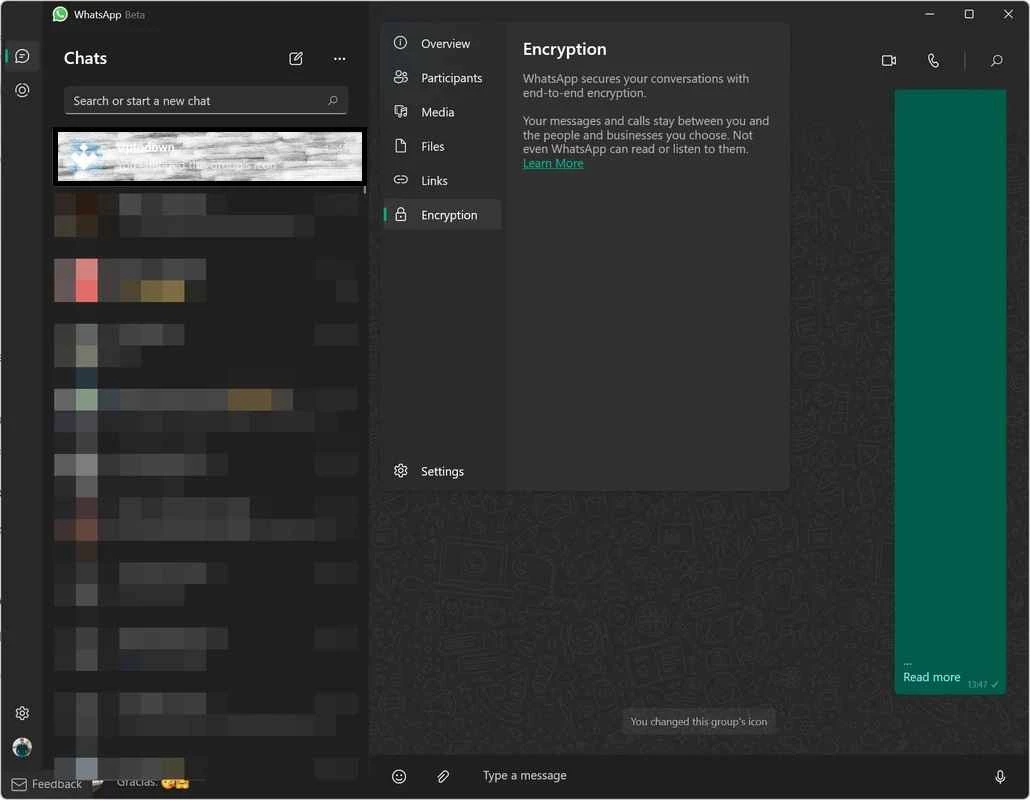


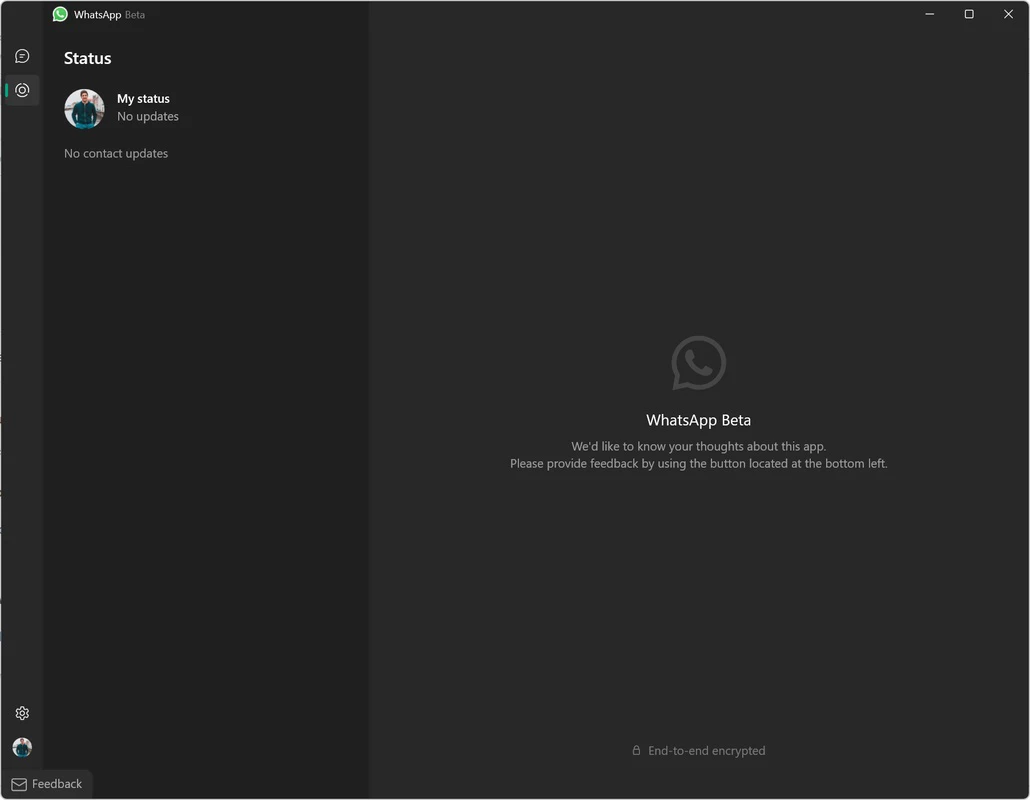
WhatsApp Desktop Beta is the official beta version of WhatsApp Desktop, allowing users to test the latest features before they become part of the stable version. It works similar as the official WhatsApp works, and to run on your desktop computer, you need to use a QR code to scan it, and pair your mobile account on your big screen.
Similar to the official app, you are capable of using all features to continue your communication and file-sharing process. So, you can use GIFS and stickers for your chats, and also make audio and video calls, as it also works independently.
WhatsApp Desktop Beta, offered by WhatsApp officially to work as an experimental version, enables tech enthusiasts and WhatsApp power users to test the cutting-edge features, bug fixes, and other performance enhancements, before they roll out for public use.
The app offers a smooth and fresh interface for the ease of users to reliably continue their chatting and calling, similar to the original app. However, the developers demand that users test features and give their feedback, ensuring them that features are smoothly polished and ready to eventually launch for everyone.
It is a significant functionality of the app, similar to other desktop versions. It works independently without demanding of keeping your phone near your PC, instead you need only to scan a QR code to pair your phone version with the desktop version and start using it, even if your phone doesn’t have an active internet connection. This flexibility and convenience enable users to reliably continue their messaging and sharing process right from their desktop version.
The consistent and reliable call quality is one major feature that is possible within stable internet connection, ensuring crystal quality during voice conversations. Video calls have awesome support of consistent resolution and performance, offering an engaged interaction, regardless of whether you are in a one-to-one or group conversation. It also offers broad accessibility and usability while supporting multiple operating systems as well, keeping your workflow uninterrupted.
The app makes it possible for users to have a front-row seat, allowing them to test functionalities that are under development. It often introduces untested code, causing some stability or performance issues. It enables users to go ahead and try the features weeks or months before they are released in the stable version. In this way, you can step into the future of messaging and capable of testing the latest innovations from WhatsApp.
Compared to standard editions, the app offers a modern and more responsive user interface with all basic features such as instant messaging, smooth chat switching, creating groups, expressing through GIFs and stickers, and so on. It proves the best solution for a lot of chatting, offering a seamless messaging experience on the desktop, without missing any of the features available on their smartphone app.
The support for end-to-end encryption makes the app one of securest app, enabling users to use it for text messaging, audio/video calling, and sharing of sensitive data, as no one, not even the developers of the app, can access your conversations. So, you can reliably send and receive your messages and other content hassle-free without any threat of unauthorized access.
File sharing through WhatsApp Desktop Beta is also possible with fool-proof security. So, you are capable of sharing your photos, videos, documents, and other content right from your PC, as it is quite easy to send files with a drag-and-drop facility, specifically when you need multitasking.
The app offers multiple innovative features to maintain your privacy, such as locked chats, disappearing messages, view-once media, and multiple others to make your chats and conversations safe and secure. In this way, you can reflect on your conversations, as the app gives full respect to your personal boundaries.
The app with lightweight capacity runs smoothly, even on old digital machines. It prevents random slowdowns or overheating while using fewer system resources. In addition, the user-friendly settings allow users to tailor the WhatsApp Desktop Beta experience, such as personalizing notifications, chat backgrounds, and appearance adjustments.
Pros
Cons

WhatsApp for PC is the most popular web app that helps you end-to-end encryption chat and audio/video calls.

Microsoft Teams collaboration and communication tool for personal and professional use

Download Facebook Android APK on PC Windows (7/10/11) to upload and share your happy memories, photos, and videos.

Zoom App for PC get all of your co-members and students in a video conference

Discord Canary, test upcoming features before they release

Telegram Desktop is Communication app for PC. Working under the MTProto protocol.